What Is a Favicon? The Tiny Icon That Does a Big Job
Learn what a favicon is, where it appears across browsers and devices, and why this small icon matters more than you might think for your brand.
- favicon
- web design
- browser basics
- branding
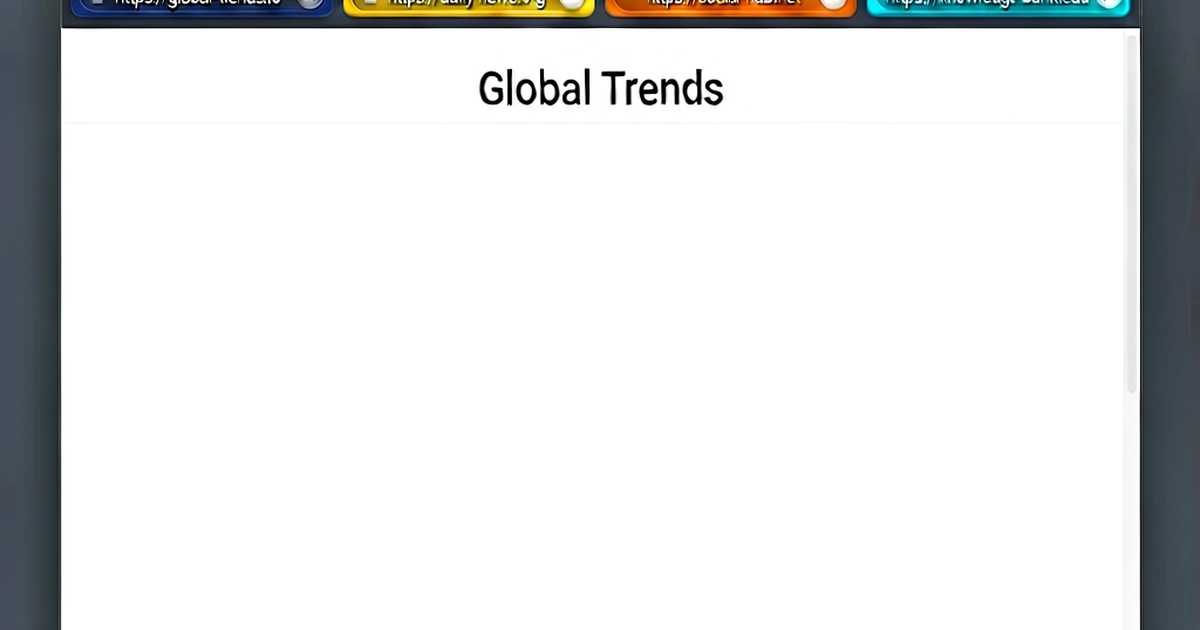
You have seen them thousands of times without thinking about them. Open any browser and look at your tabs — each one has a tiny square image sitting next to the page title. That image is a favicon, and while it might seem like a minor decorative touch, it does real work for your site’s identity and usability.
What Is a Favicon?
A favicon (short for “favorites icon”) is a small image file associated with a website. Browsers display it in several places to help users visually identify your site at a glance. The standard format has always been ICO, though modern browsers also support PNG and SVG.
The name comes from its original purpose: Internet Explorer 5 introduced the concept in 1999 specifically for the browser’s Favorites panel. When you bookmarked a site, a 16×16 pixel icon would appear next to the site’s name. The idea caught on immediately because it made long lists of bookmarks scannable in a way that text alone never could.
A Brief History
Before IE5, websites had no standardized way to supply a small identifying image. Microsoft’s implementation was straightforward — the browser would automatically request a file called favicon.ico from the root of any domain the user bookmarked. If the file existed, the icon appeared. If not, a generic placeholder showed up instead.
Other browsers quickly adopted the concept, and by the mid-2000s favicons had become a universal web standard. The W3C added support to the HTML specification, and the <link rel="icon"> tag became the official way to declare a favicon, giving developers more control over file location and format than the automatic root-file approach.
Over the following years, the humble 16×16 ICO grew into a family of assets. The explosion of mobile devices meant that favicons needed to work as home screen icons, Windows Start tiles, and PWA launcher images — each requiring different dimensions and sometimes different formats entirely.
Where Does Your Favicon Appear?
Understanding every place your favicon shows up helps you appreciate why the file needs to hold up at multiple sizes.
Browser Tab
This is the most visible placement. Every open tab in Chrome, Firefox, Safari, and Edge shows the favicon to the left of the page title. When a user has ten or twenty tabs open, favicons become the primary navigation aid — the title text is often truncated to just a few characters, but the icon remains fully visible.
Bookmark Lists and the Favorites Bar
When someone bookmarks your site, your favicon appears beside the bookmark entry. In the bookmarks bar that many users keep pinned below the address bar, sites are sometimes displayed as icon-only with no text at all. A distinctive, well-designed favicon is the difference between your site being immediately recognizable and being a blank square that gets ignored.
Browser History
Your favicon appears in the browser history panel next to every URL from your domain. For a user trying to find a page they visited last week, that icon is often what triggers recognition.
Address Bar
Some browsers display the favicon in the address bar while you are on a page, giving users a quick trust signal that they are on the right site.
Home Screen Shortcuts
When a mobile user taps “Add to Home Screen” in Safari or Chrome, your favicon (specifically, the apple-touch-icon or a manifest icon) becomes the app-like icon on their home screen. At this size — typically 180×180 pixels on iOS — quality matters much more than it does at 16×16.
Operating System UI
Pinning a site to the Windows taskbar or macOS Dock, opening it in a PWA window, or saving it as a desktop shortcut all pull from your favicon assets. Windows historically used a separate tile image, but modern setups rely on the same icon files used by browsers.
Search Results
Some search engines, including Google, display a site’s favicon in the search results list next to the URL. It is a small but real visibility boost — a recognizable icon can make your listing feel more established and trustworthy compared to a blank placeholder.
Why Your Favicon Matters
A favicon might be tiny, but its impact is not.
Brand recognition. Consistent use of your logo or brand mark across every touchpoint — including browser tabs — builds the kind of visual familiarity that makes users feel comfortable returning to your site. When someone has your site bookmarked among fifty others, your favicon is the reason they can find it in under a second.
Professionalism and trust. A missing favicon is a small but noticeable signal of incompleteness. Most professional sites have one. If yours does not, it can undermine the impression you are trying to make — especially for first-time visitors who are already evaluating whether to trust you.
Tab navigation. Heavy browser users rely on favicons constantly. A distinctive, high-contrast icon is the reason someone can jump back to your tab in a crowded tab bar without reading a single word.
PWA and mobile experience. If you are building a progressive web app or want users to save your site to their home screen, a well-specified icon is not optional — it is a core part of the experience.
What Makes a Good Favicon?
Size constraints make favicon design a specific discipline. At 16×16 pixels, you are working with 256 pixels total. A few principles hold true regardless of what your full logo looks like:
- Simplicity wins. Complex logos with fine lines, gradients, and multiple elements fall apart at small sizes. A single letter, a simple shape, or an abstracted version of your brand mark works far better.
- High contrast matters. The icon needs to be readable on both light and dark browser chrome. Strong contrast between foreground and background colors makes the image pop.
- Square format. Favicons are always displayed in a square space. If your logo is wide or has a lot of whitespace, you may need a cropped or adapted version rather than a letterboxed shrink.
The good news is that you do not need to design the icon pixel by pixel. A favicon generator handles the technical work — taking your image and producing the correct file formats and sizes. Your job is to provide a clean source image and let the tool do the conversion.
Getting Started
If your site does not have a favicon yet, the process is simpler than you might expect. Start with a square version of your logo or brand mark, run it through a favicon generator, and add a few lines of HTML to your site’s <head>. The whole process takes minutes, and the result is a site that looks finished and professional in every browser tab your visitors open.

Related reading
-
Favicon Sizes: The Complete Size Guide for Every Browser and Device
A definitive guide to favicon sizes — from the original 16x16 ICO to Apple touch icons, Android PWA icons, and SVG favicons. Know exactly what to generate.
-
How to Create a Favicon for Your Website (Quick and Easy)
Learn how to create a favicon from scratch or from your logo — including design tips, format choices, and exactly how to add it to your website's HTML.
-
Apple Touch Icon: Size, Setup, and Why You Need One
Everything you need to know about the apple-touch-icon — what it is, the right sizes, how to add the link tag, and how it differs from a standard favicon.